Understanding Mechanical Keyboard Switch Types
Mechanical keyboards have become increasingly popular among typists, gamers, and computer enthusiasts. One of the key features that differentiate mechanical keyboards from their membrane counterparts is the type of switches they use. Understanding the various types of mechanical keyboard switches can help typists make an informed decision based on their preferences and typing styles.
Linear Switches: Smooth and Silent
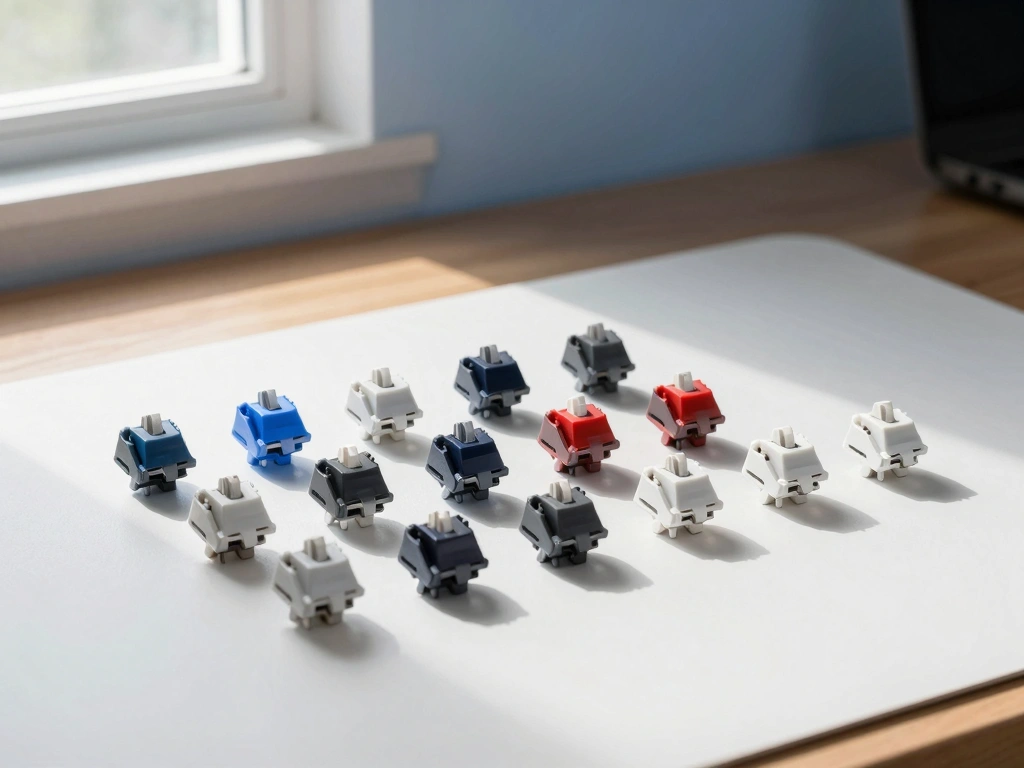
Linear switches are characterized by their smooth keystroke with no tactile bump or audible click. This type of switch is designed for a fluid typing experience, allowing for a quick and uninterrupted key press. The most common linear switches, such as the Cherry MX Red and Gateron Red, have a low actuation force, typically around 45 grams, and a travel distance of about 2mm before actuation. For typists who prefer a soft touch and minimal resistance, linear switches are ideal. They are especially favored by those who enjoy fast typing or gaming due to their rapid actuation and lack of tactile feedback, which allows for repeated key presses without any hindrance.
Tactile Switches: Feedback for Every Keystroke
Tactile switches provide a noticeable bump at the actuation point, offering feedback that confirms the key has been registered. Popular examples include the Cherry MX Brown and Gateron Brown switches. With an actuation force around 45 grams, tactile switches typically feature a travel distance of 2mm before actuation and 4mm total travel. This tactile feedback is beneficial for typists as it helps reduce typing errors by allowing them to feel when a key has been pressed. Tactile switches strike a balance between smooth operation and feedback, making them a great choice for typists who want a more engaging experience without the noise of clicky switches.
Clicky Switches: Acoustic and Tactile Feedback
Clicky switches combine tactile feedback with an audible click sound, which can be satisfying for some typists. The Cherry MX Blue and Gateron Blue switches are well-known examples of clicky switches, requiring an actuation force of around 50-60 grams. They have a travel distance of 2.2mm before actuation and a total travel distance of 4mm. The distinct sound and feel of clicky switches can enhance the typing experience for those who enjoy auditory feedback. However, they may not be suitable for quiet environments, as the click noise can be disruptive to others nearby. Typists who appreciate a classic typewriter-like experience often gravitate toward clicky switches.
Key Factors for Typists: Actuation Force and Travel Distance
When choosing a mechanical keyboard switch, two critical factors come into play: actuation force and travel distance. Understanding these elements can significantly impact typing comfort and speed.
Finding the Right Actuation Force for Comfort
The actuation force refers to the amount of pressure required to register a key press. This force is measured in grams and varies between switch types. A lower actuation force (around 45 grams) is often preferred for rapid typing, as it requires less effort to press the keys. Conversely, a higher actuation force (up to 60 grams) may provide a more deliberate typing experience, which can help prevent accidental key presses. For typists, it’s essential to find a balance that feels comfortable. Many users experiment with different switch types to determine what feels best for their typing style. For instance, those who type for extended periods may benefit from lighter switches to reduce finger fatigue.
Impact of Travel Distance on Typing Speed
Travel distance refers to how far a key must be pressed before it actuates and is typically measured in millimeters. Most mechanical switches have a travel distance between 3.2mm and 4mm. A shorter travel distance can lead to faster typing speeds, as it requires less movement of the fingers. Typists who prioritize speed may prefer switches with a shorter travel distance. For example, the Cherry MX Speed (Silver) switch has a travel distance of only 3.4mm, which is designed for rapid actuation, making it a favorite among competitive gamers and fast typists alike. However, some typists may find that a slightly longer travel distance provides a better tactile experience and reduces errors.
Personal Preferences: Light vs. Heavy Switches
Ultimately, the choice between light and heavy switches boils down to personal preference. Some typists thrive with lighter switches, finding them more comfortable for long typing sessions. Others may prefer the heftier feel of heavier switches, which can provide a sense of control and precision. To determine the best option, it’s advisable to try different switches and pay attention to how they feel during various typing tasks. Engaging in activities like writing or coding can help identify which switch type enhances productivity and comfort.
Comparative Analysis: Popular Switch Brands and Models
While there are numerous mechanical switches available on the market, some brands have established themselves as leaders in the industry. Here, we will explore three popular switch brands and their notable models.
Cherry MX: The Industry Standard
Cherry MX switches are often regarded as the gold standard in mechanical keyboard switches due to their reliability and wide availability. They offer a comprehensive range of switch types, including linear (Red), tactile (Brown), and clicky (Blue). The Cherry MX Brown switch is particularly favored by typists for its balance of tactile feedback and smooth operation. With an actuation force of 45 grams and a tactile bump to indicate actuation, it is suitable for both typing and gaming.
Gateron: Smooth Alternatives
Gateron switches are known for their smooth keystrokes and are often seen as a budget-friendly alternative to Cherry MX switches. They offer a similar range of switch types, including linear, tactile, and clicky options. For example, Gateron Red switches are praised for their smoothness and low actuation force, making them a solid choice for typists who prefer a linear feel. Gateron Brown switches also provide a tactile feedback similar to Cherry MX Browns but are often noted for their smoother operation.
Kailh: Innovative Designs and Variants
Kailh switches have gained popularity for their innovative designs and affordability. They offer a diverse range of switches, including unique options like the Kailh Box series, which features a dust and water-resistant design. Kailh Brown switches provide a tactile experience similar to Cherry MX Browns but often have a slightly different feel, which can be appealing to some typists. The Kailh Speed switches are particularly designed for gamers, featuring shorter travel distances for rapid actuation.
Sound Profile: Choosing the Right Switch for Your Environment
The sound profile of mechanical switches can significantly impact the typing experience, especially in various environments. For typists, considering the noise level of their chosen switch is crucial to ensure a harmonious workspace.
Evaluating Noise Levels for Office Settings
In office settings, the noise level of a mechanical keyboard can affect coworkers and overall productivity. Tactile and linear switches are generally quieter than clicky switches, making them suitable for shared workspaces. For example, Cherry MX Brown switches provide tactile feedback without the loud click, allowing typists to work efficiently without disturbing others. On the other hand, Cherry MX Blue switches, while enjoyable for some, can be disruptive due to their distinct clicking sound.
Quiet Switch Options for Shared Spaces
For typists who work in environments where noise is a concern, quiet switches are a wise choice. Options such as Cherry MX Silent Red switches or Gateron Silent Brown switches are designed to minimize sound while maintaining a smooth typing experience. These switches utilize dampening technology to reduce noise during key presses and releases, making them ideal for open office settings or shared living spaces.
Personal Preference: Enjoying the Clicky Sounds
While quiet operation is important for many, some typists revel in the satisfying sound of clicky switches. For those who enjoy auditory feedback while typing, opting for Cherry MX Blue or Gateron Blue switches can enhance their experience. The clicking sound can create a nostalgic typing experience reminiscent of typewriters, making it enjoyable for those who appreciate the tactile and auditory aspects of typing.
Testing and Personal Experience: Finding Your Perfect Switch
Finding the perfect mechanical keyboard switch often requires hands-on testing. Personal experience plays a significant role in determining which switch suits your typing style and preferences.
Hands-On Testing: The Importance of Typing Feel
When selecting a mechanical switch, it’s crucial to engage in hands-on testing. Typists should try out various switches in a store or through friends to get a feel for the actuation force, travel distance, and overall typing experience. Many keyboard enthusiasts recommend visiting local electronics stores or attending tech expos where mechanical keyboards are showcased. This allows potential buyers to experience different switches firsthand and determine which one feels best for them.
Community Feedback: Learning from Other Typists
Engaging with online communities and forums can provide valuable insights into the experiences of other typists. Websites like Reddit and dedicated mechanical keyboard forums often have discussions about different switch types, user experiences, and recommendations. Reading reviews and participating in discussions can help prospective buyers gather information about the pros and cons of specific switches. Community feedback can also shed light on lesser-known switch brands or new models worth exploring.
Building a Switch Tester: Experimenting with Choices
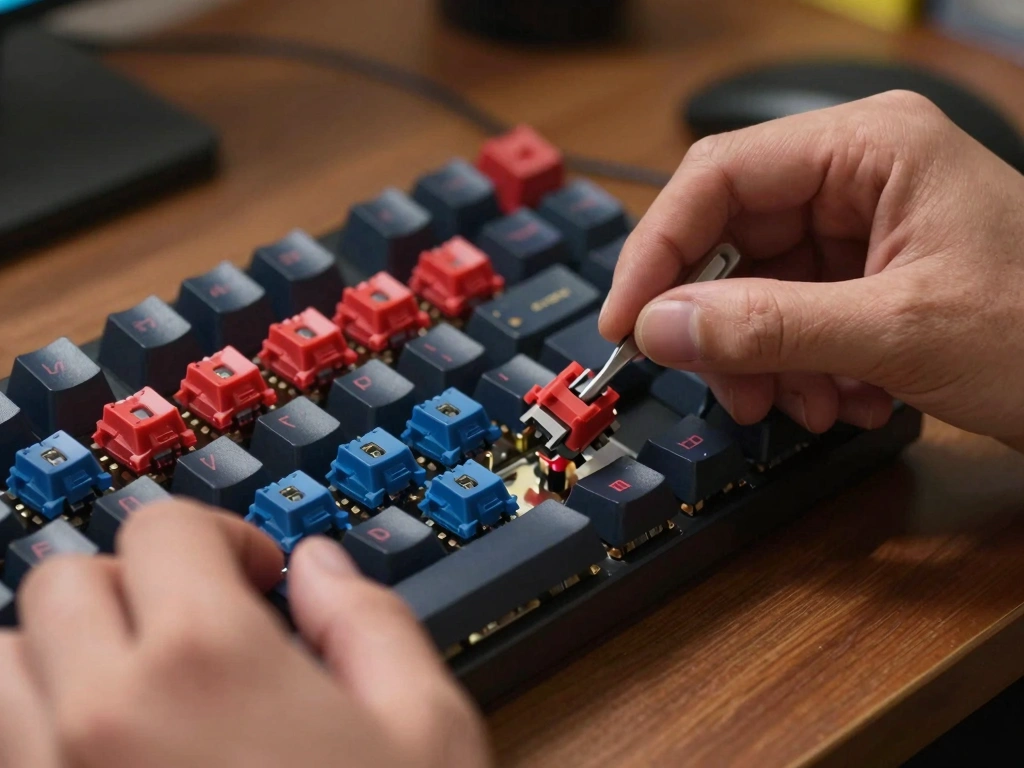
For those who want to experiment with various switches without purchasing multiple keyboards, building a switch tester can be an ideal solution. A switch tester is a simple device that allows users to try out different switch types in one compact setup. Many online retailers sell switch tester kits that include a range of popular switches. By typing on these testers, typists can experience firsthand how different switches feel and sound, making it easier to select the right switch for their needs.
Conclusion
Choosing the right mechanical keyboard switch is a personal journey that requires understanding the different types of switches, key factors like actuation force and travel distance, and the sound profile suited to your environment. By exploring various brands and models, seeking community feedback, and engaging in hands-on testing, typists can find the perfect switch that enhances their typing experience. Ultimately, the right switch can make all the difference in comfort, speed, and overall satisfaction, transforming the act of typing into an enjoyable and productive experience.